Update the La Marzocco app, explore Siri Shortcuts, and build a morning that feels as good as it tastes.
Check Out Siri Shortcuts : La Marzocco Home
With this update, the La Marzocco app now supports iOS Shortcuts, allowing Siri users to connect their espresso machine directly to Apple’s automation ecosystem.
- Voice control with Siri
- Custom shortcuts tailored to your routine
- Automations that prepare your coffee station.
This update is all about letting technology support the ritual you already love.
What Siri Can Do
With Siri, you can control a connected La Marzocco machine using your voice. The integration currently supports five commands:
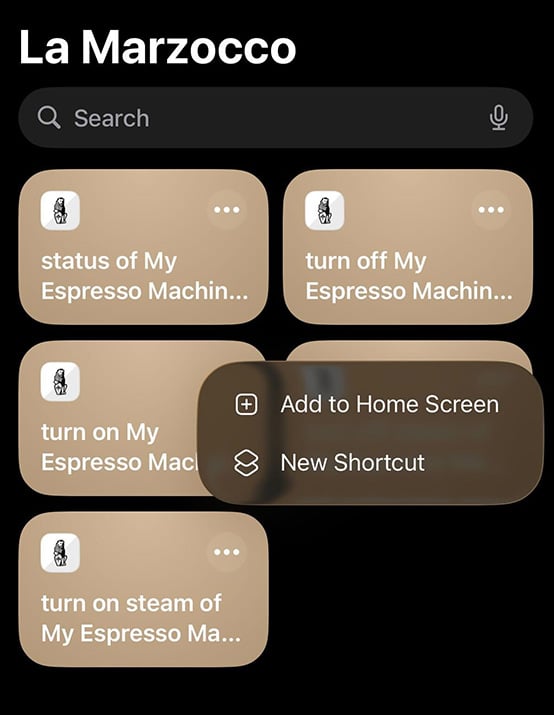
The Gallery features the available collection of shortcuts.
- Check machine status
- · Turn machine on
- · Turn machine off
- · Turn steam boiler on
- · Turn steam boiler off
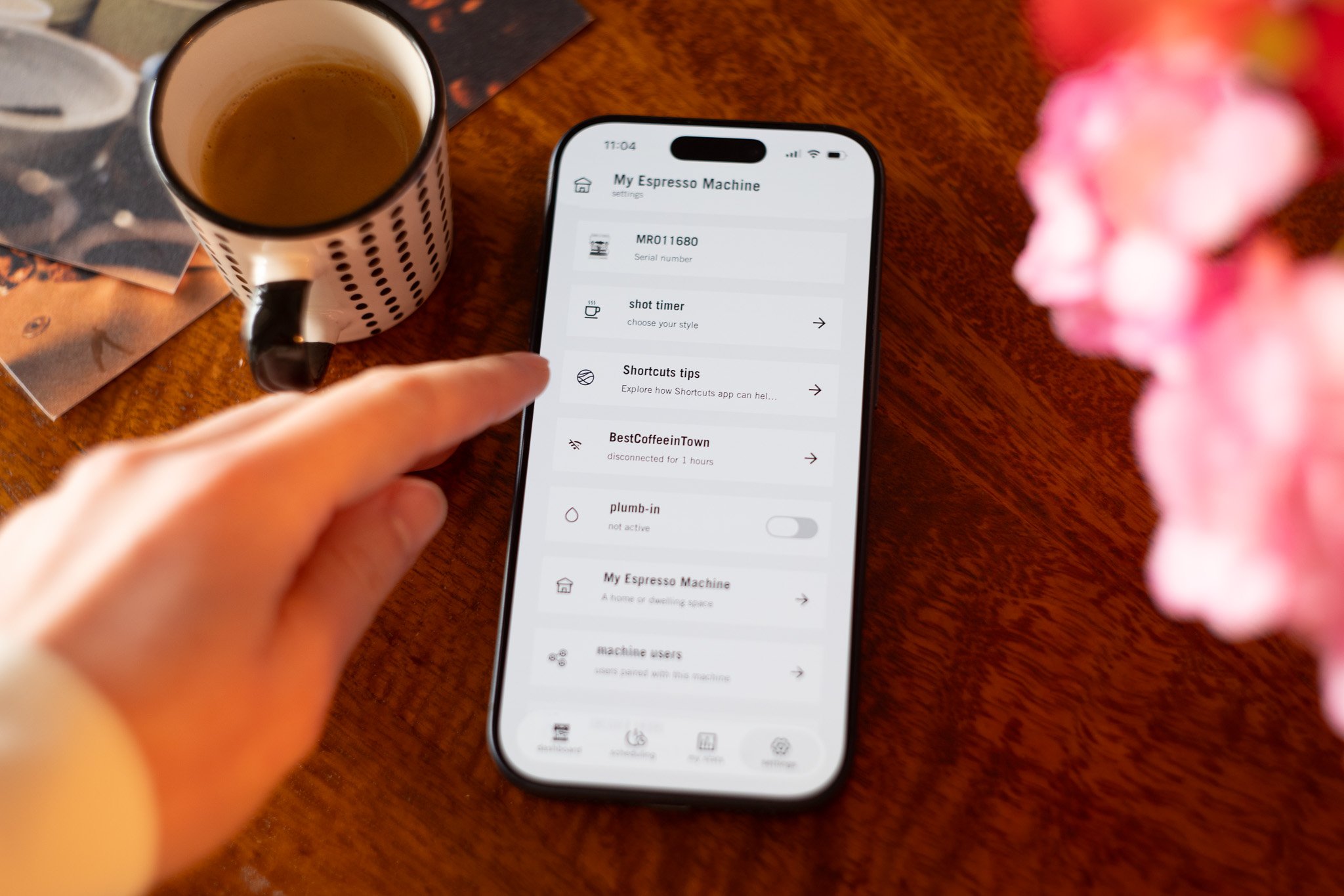
You can access these shortcuts directly from the settings page of your machine in the La Marzocco App. Tap “Shortcuts tips” to see all available commands for your machine. All paired machines will automatically have shortcuts created for them.
Creating Your Own Commands
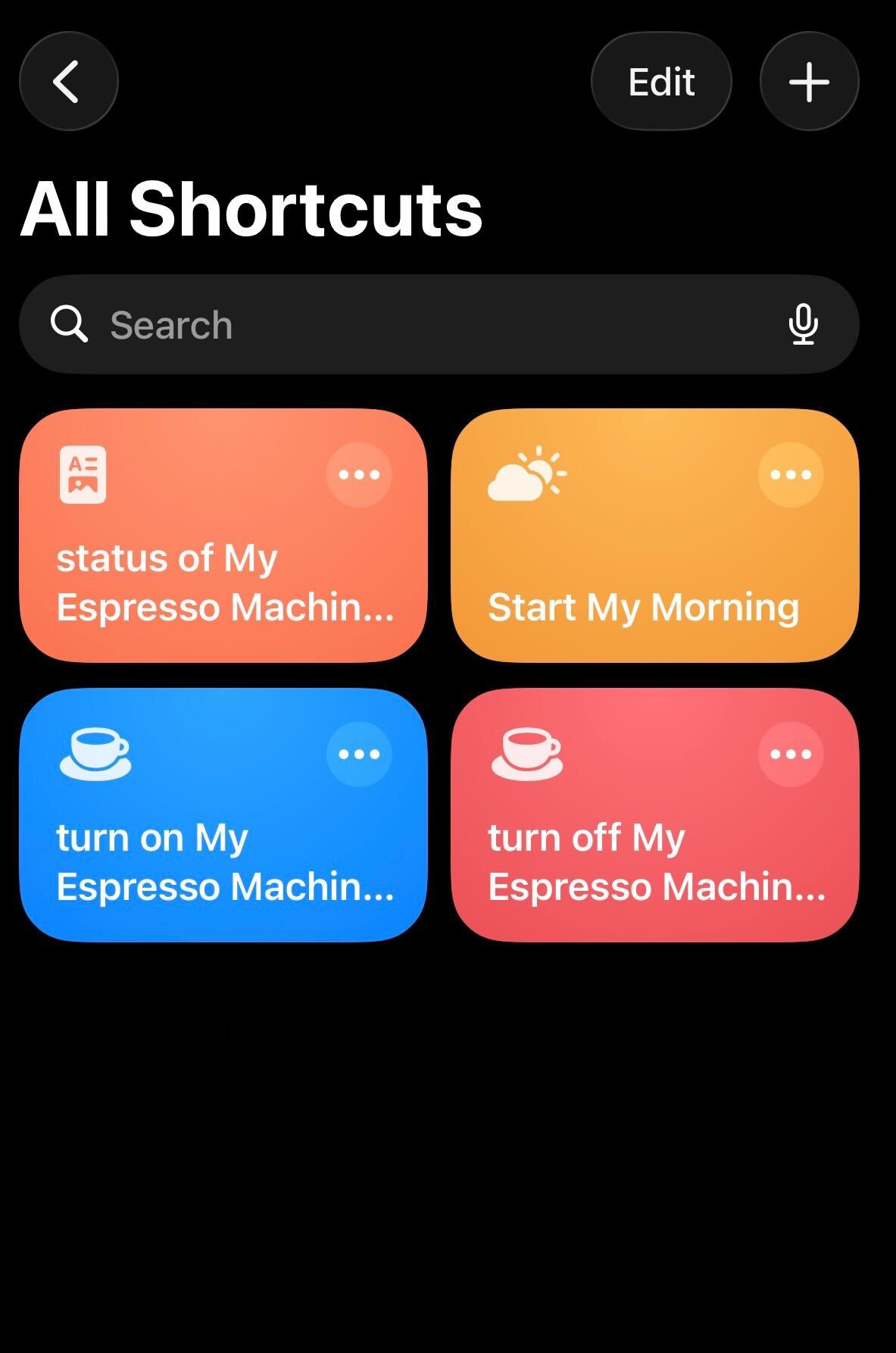
Some shortcut phrasing may feel a bit formal. iOS Shortcuts are designed to be customized.
Here’s how:
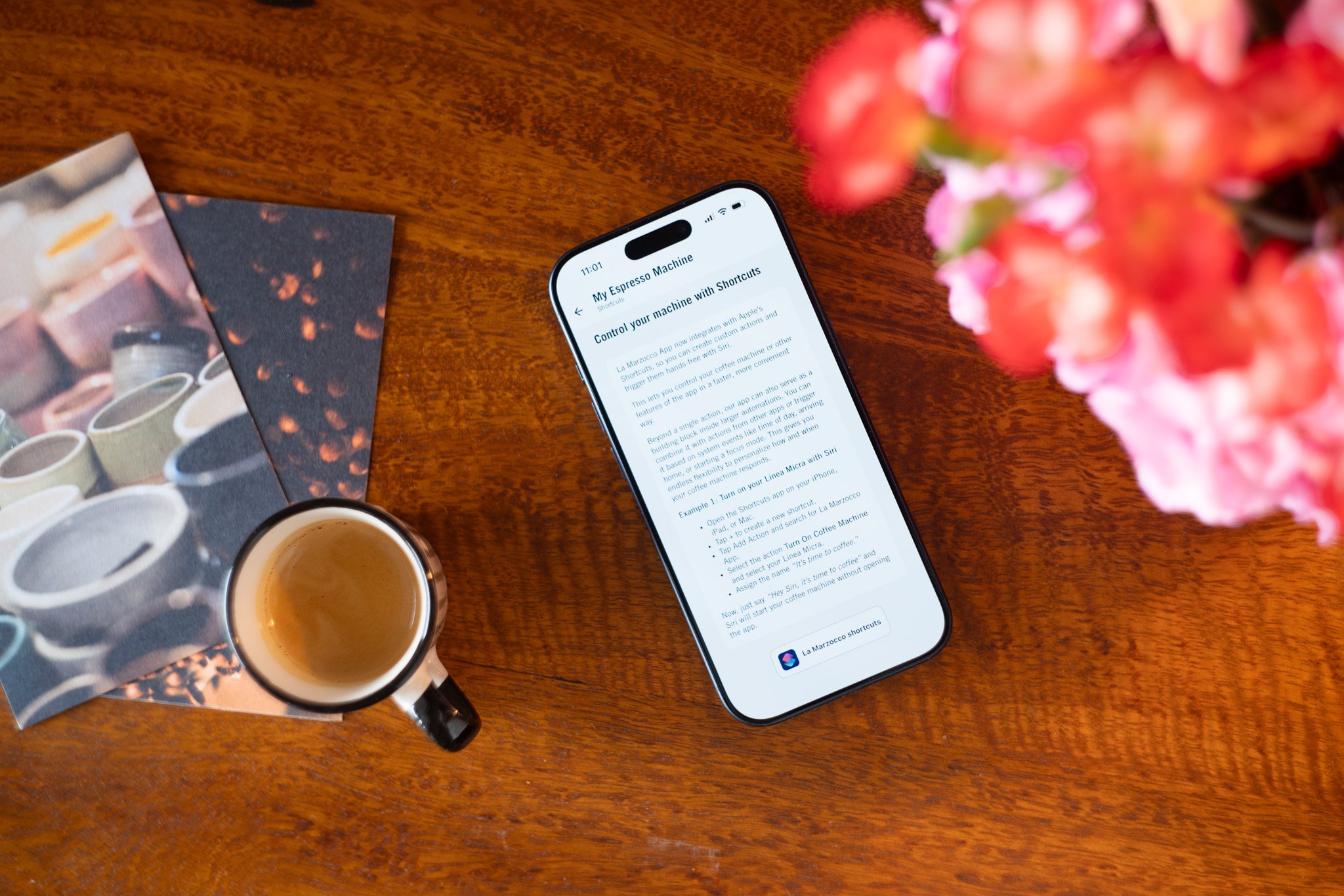
- Open the Shortcuts app on your iPhone, iPad, or Mac
- Tap + to create a new Shortcut
- Tap Add Action and search for La Marzocco App
- Select the action you want (like turn on MI000002 in La Marzocco)
- Tap the dropdown next to “New Shortcut” and rename it to whatever phrase feels natural to you.
- So now, instead of memorizing exact phrasing, you can rename shortcuts with names like:
“Hey Siri, turn on My Espresso Machine”
Building Automations
Beyond single voice commands, you can use Apple Shortcuts to build automations that combine your espresso machine with other actions. Your machine becomes part of larger routines.
For example, you could create a morning Shortcut that:
- Turns on your espresso machine
- Sets your kitchen lights to 60% brightness
- Get a weather report
- Name this Shortcut “Start my day” and say those three words to Siri each morning.
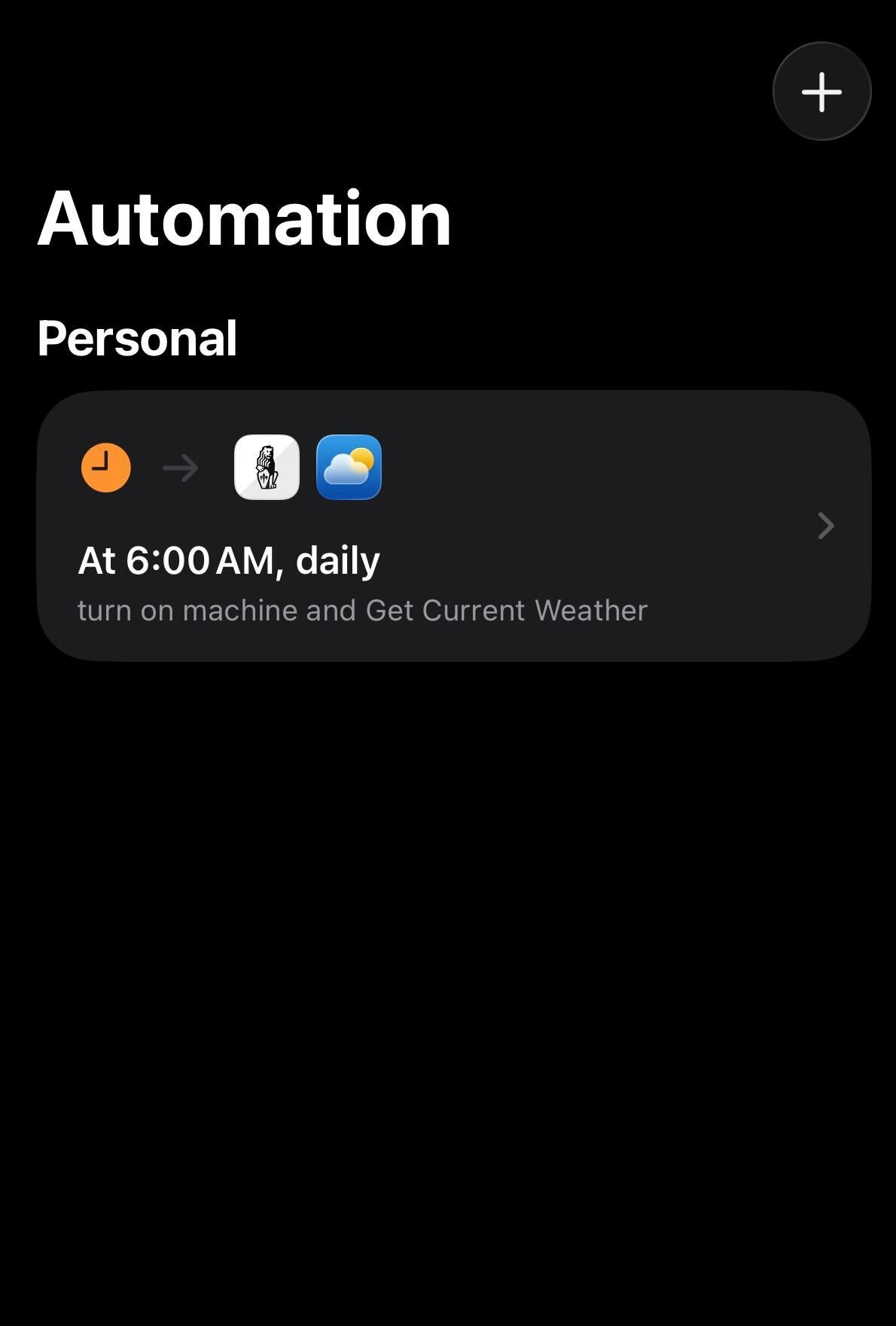
You can trigger Shortcuts automatically based on time, location, or other events. In the Shortcuts app, tap the Automation tab and create a new automation. Choose your trigger, like when you arrive home, dismiss your alarm, then add the La Marzocco action you want. Set it to run immediately, and your machine will respond without you saying a word.
Check out Apple Shortcuts User Guide to add actions from different apps to create a more advanced and automated shortcut.
What’s Supported
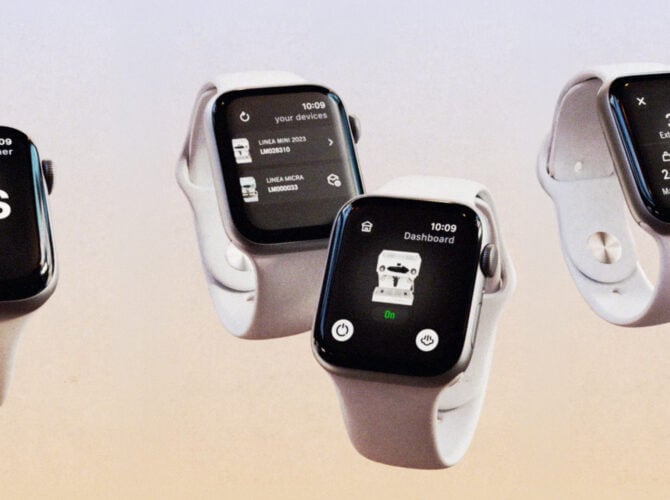
This integration works with all La Marzocco machines that support app connectivity: Linea Mini, Linea Micra, and GS3. You’ll need the latest version of the La Marzocco App on iOS.
We’re continuing to refine language, improve feedback, and expand how the app integrates into your daily routine. This is just the beginning.