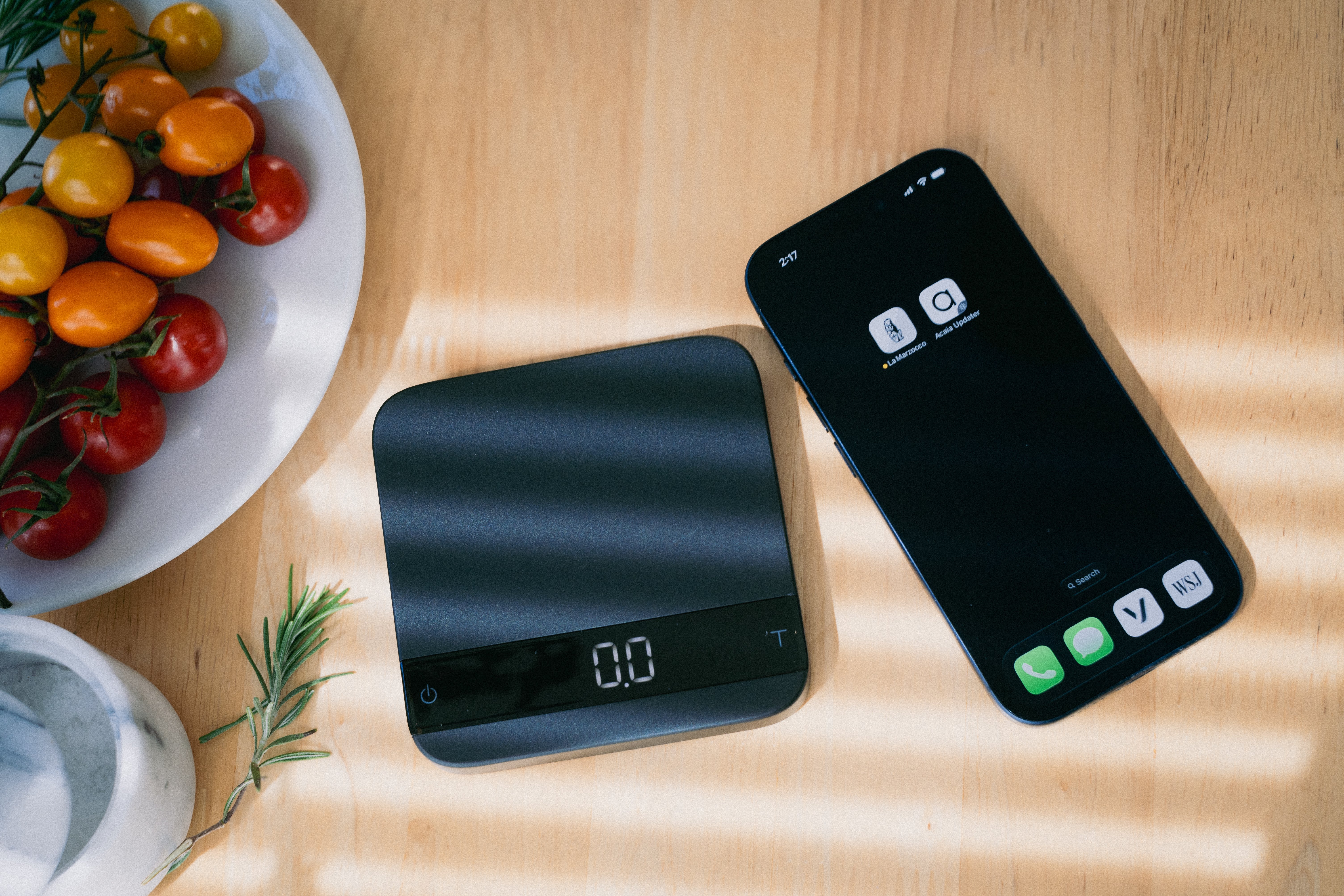
v1.7.0 : acaia firmware upgrade
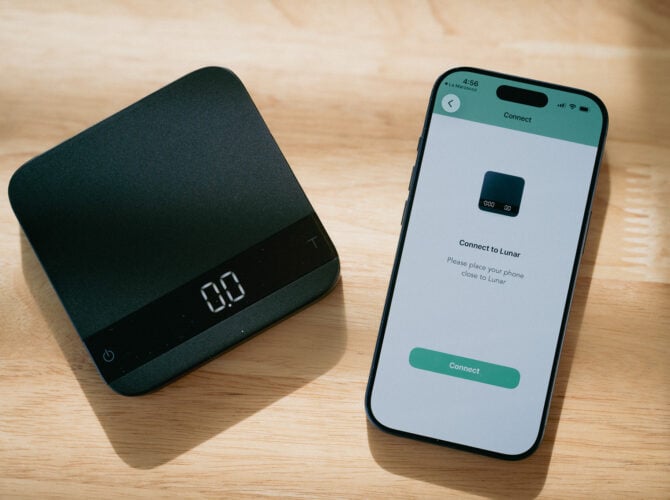
Beginning March 23, 2026, the La Marzocco app (v1.7.0) introduces a firmware upgrade path for compatible Acaia Lunar scales. The upgrade—developed in partnership with Acaia—unlocks La Marzocco Connected Scale functionality, including brew-by-weight and grind-by-weight, on all Acaia Lunar 2021 scales.
The license costs €100 and takes about five minutes to complete. This guide walks through compatibility, the upgrade process for a single scale, and the procedure for setups with two scales.
how to videos
compatibility
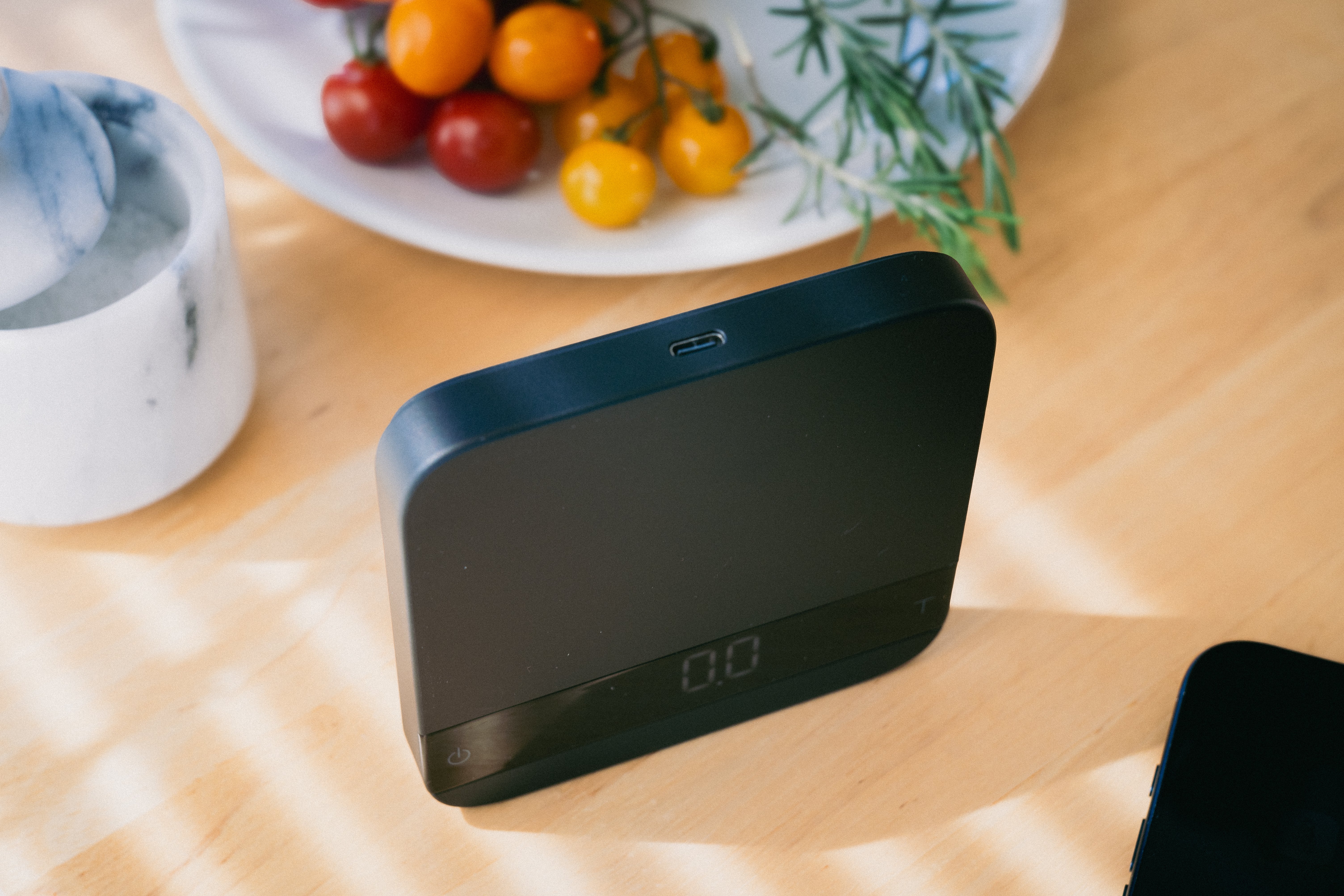
With this update, the La Marzocco app now supports upgrading your Lunar 2021 scle. Not all Acaia Lunar scales support this upgrade. The determining factor is the charging port and internal electronics.
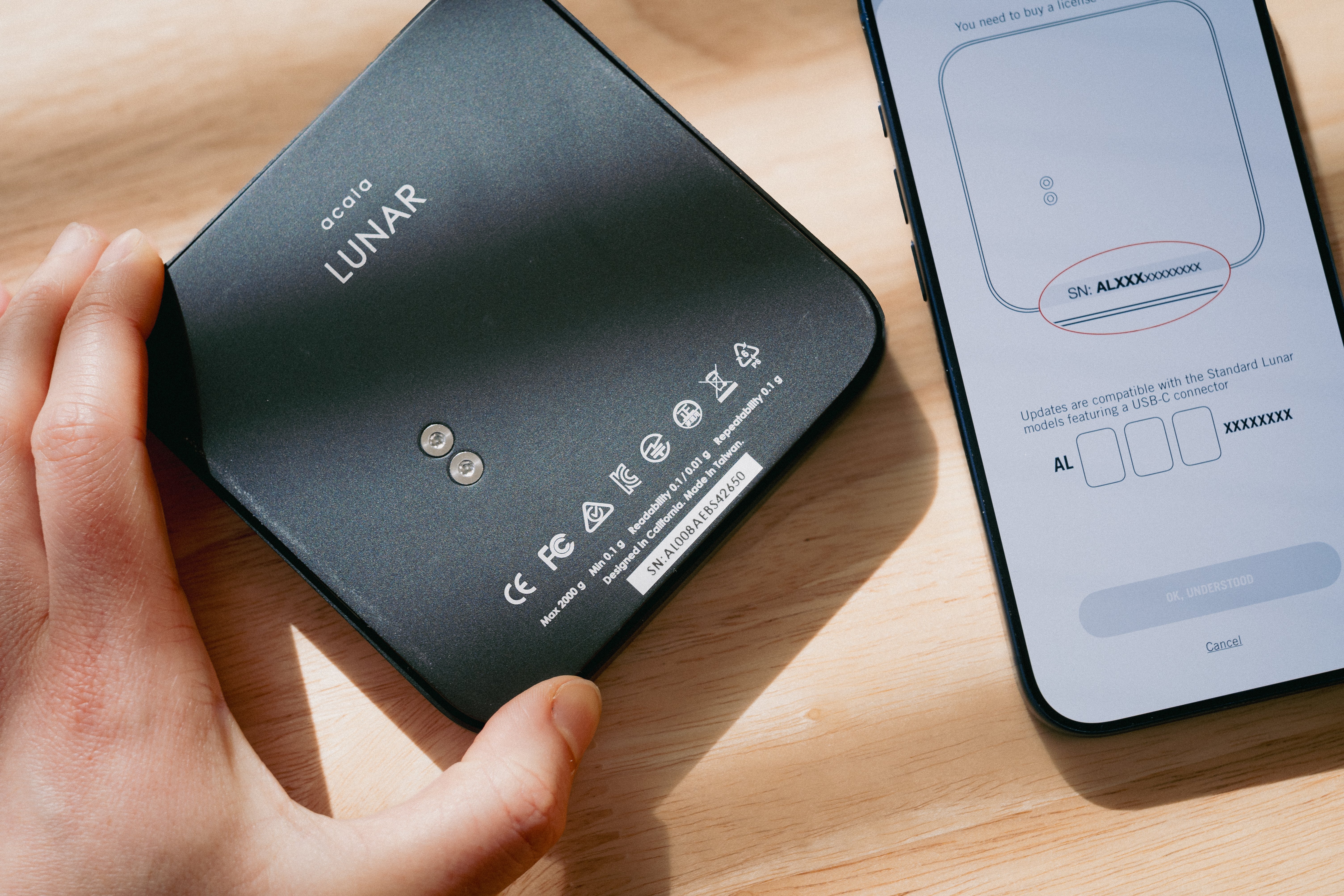
Compatible: Acaia Lunar 2021 scales with a USB-C charging port and serial number AL008XXXXXXXX or newer.
Not compatible: Older Lunar models with a Micro-USB port. These contain legacy electronics that cannot run Connected Scale firmware.
If you see a USB-C port, your scale is eligible.
what the upgrade enables
Once the firmware is installed, your Acaia Lunar functions as a La Marzocco Connected Scale. The upgrade unlocks the following:
Brew-by-weight—the machine stops the shot automatically when the target weight is reached, using a predictive algorithm that accounts for residual drip.
Grind-by-weight—the grinder stops dosing when the target weight is reached, providing repeatable results without manual adjustment.
Dual dose targets—set and save separate weight targets for brewing and grinding via the app.
Auto-tare—the scale zeros itself automatically at the start of each operation.
These features work with the Linea Mini and the Pico.
machine firmware
Before upgrading your scale, your machine needs a gateway firmware update to communicate with the upgraded scale.
Open the app, navigate to your machine, and follow the prompts to update.
All connected scales, whether purchased as a Connected Scale or upgraded via this license, will run on the same Acaia firmware platform going forward. This means future firmware improvements from Acaia will be delivered directly to your scale over time.
setup: single scale
The upgrade process moves between two apps—the La Marzocco app and the Acaia Updater app. Here is the procedure:
(1) Open the La Marzocco app. Check for updates, you will need v1.7.0 or later. Navigate to your coffee station and add your Acaia Lunar scale.
(2) The app will detect the Acaia Lunar and prompt you to purchase the upgrade license.
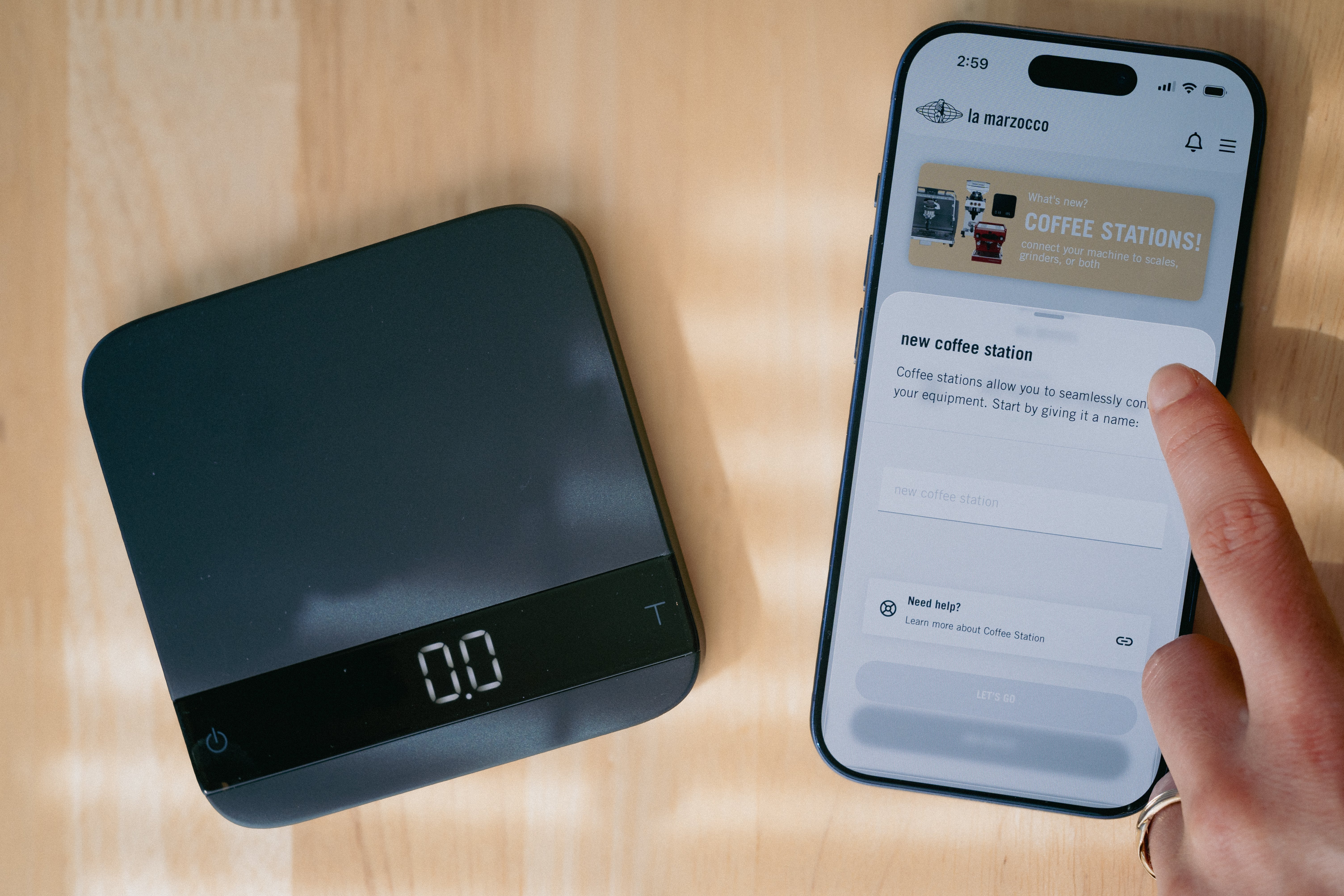
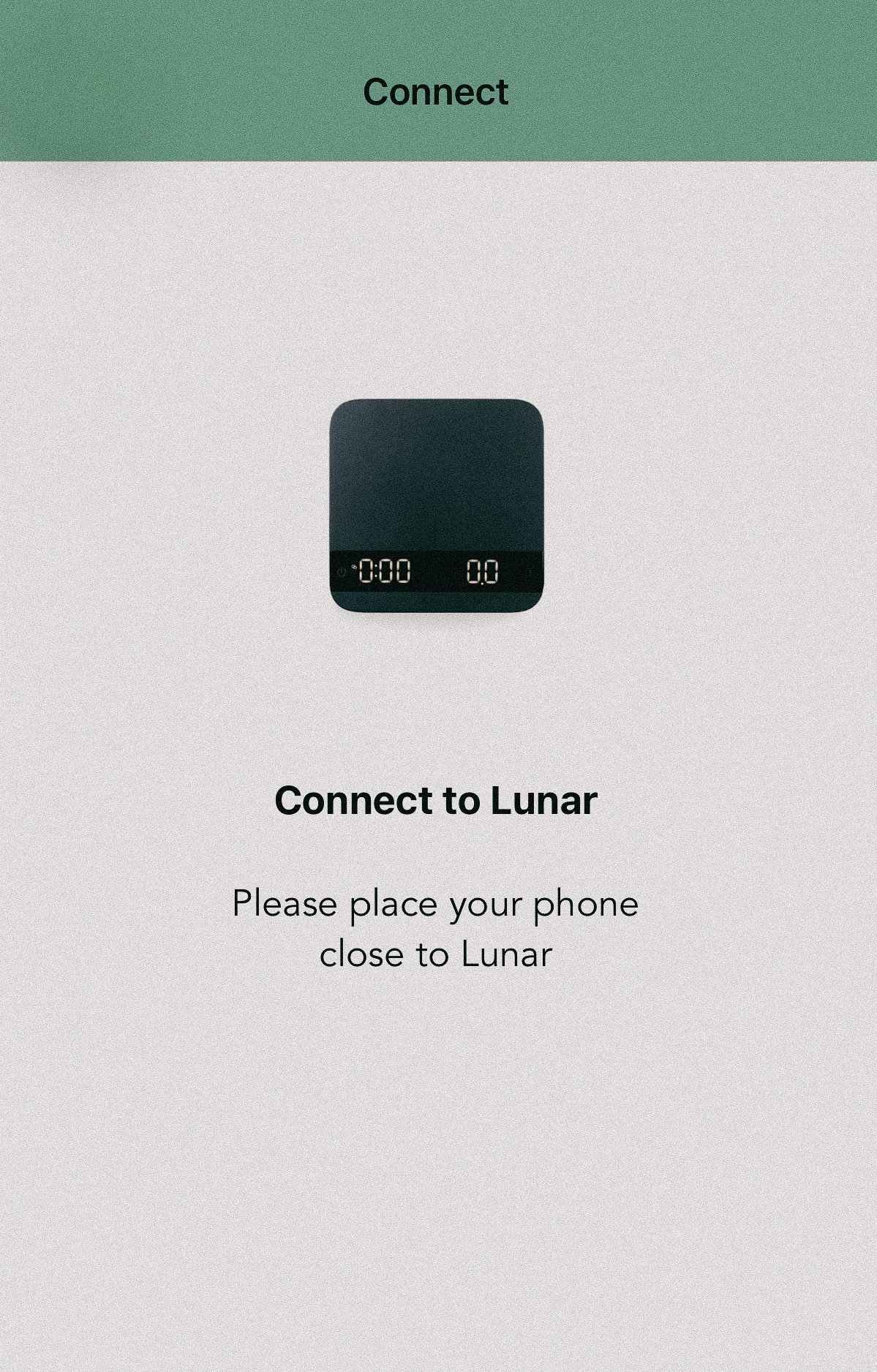
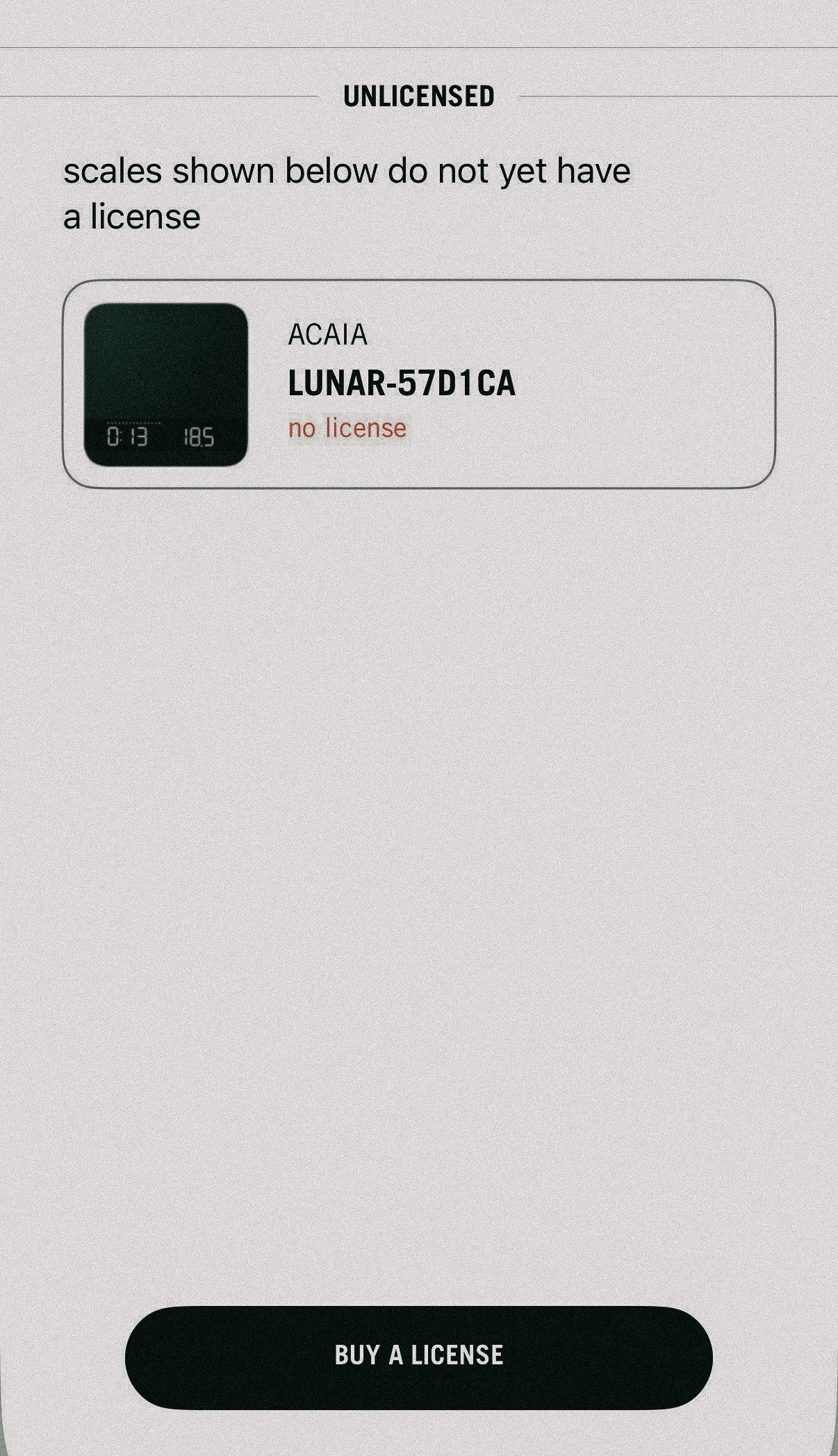
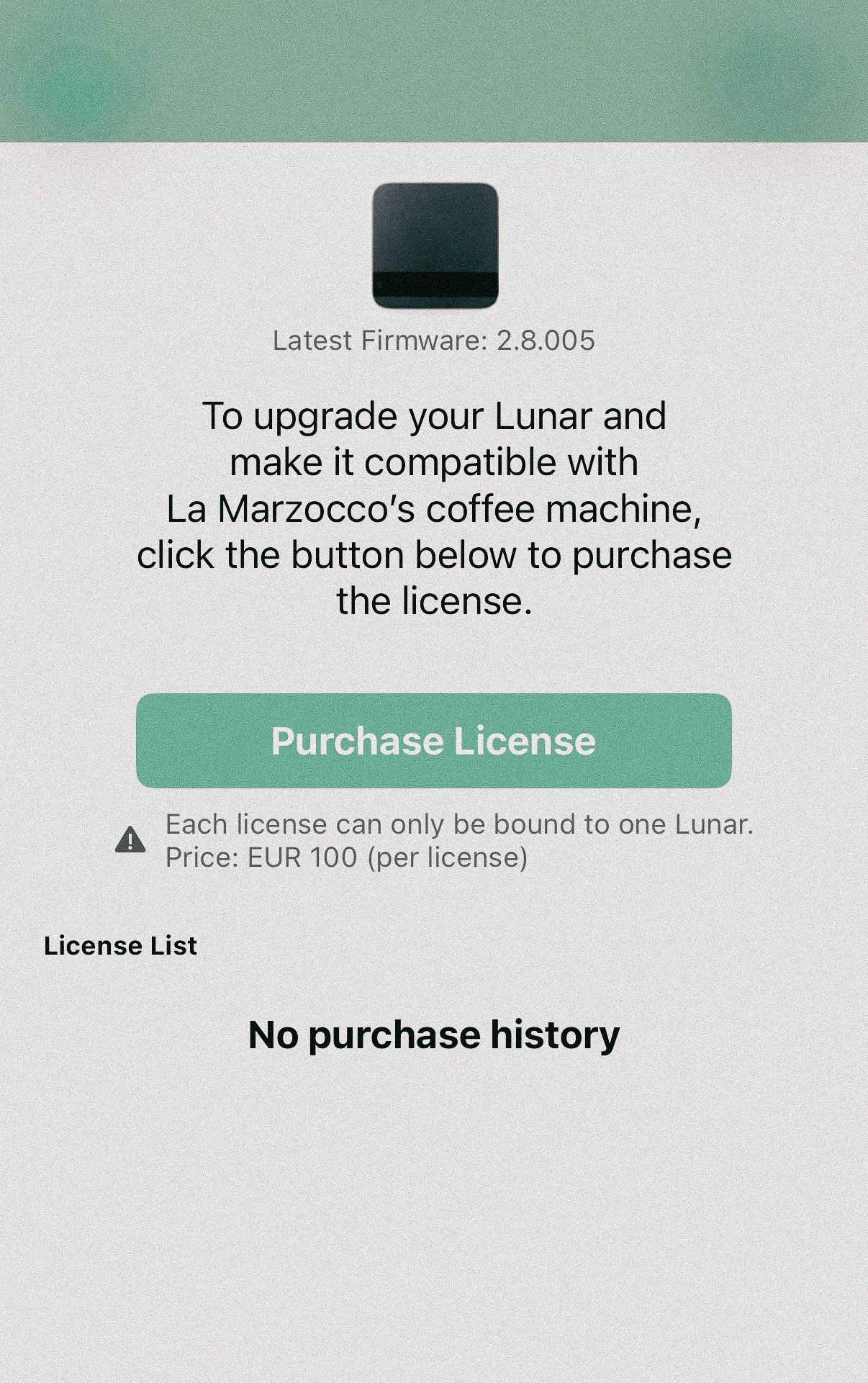
(3) You will be directed to the Acaia app to complete the purchase. This involves entering your email address, the scale’s serial number(if available), and payment. A code will be sent to your email. Enter the code into the app. The license is €100.
(4) Within the Acaia app, the new firmware installs after prompting you to press “T” on the scale. This enables Connected Scale features on your Lunar 2021. Note: the firmware installation can take some time—do not power off the scale during this process.
(5) Return to the La Marzocco app. Navigate to your coffee station and the corresponding equipment. Train the scale for functionality.
Once trained, your scale is ready to use with brew-by-weight and grind-by-weight.
setup: two scales
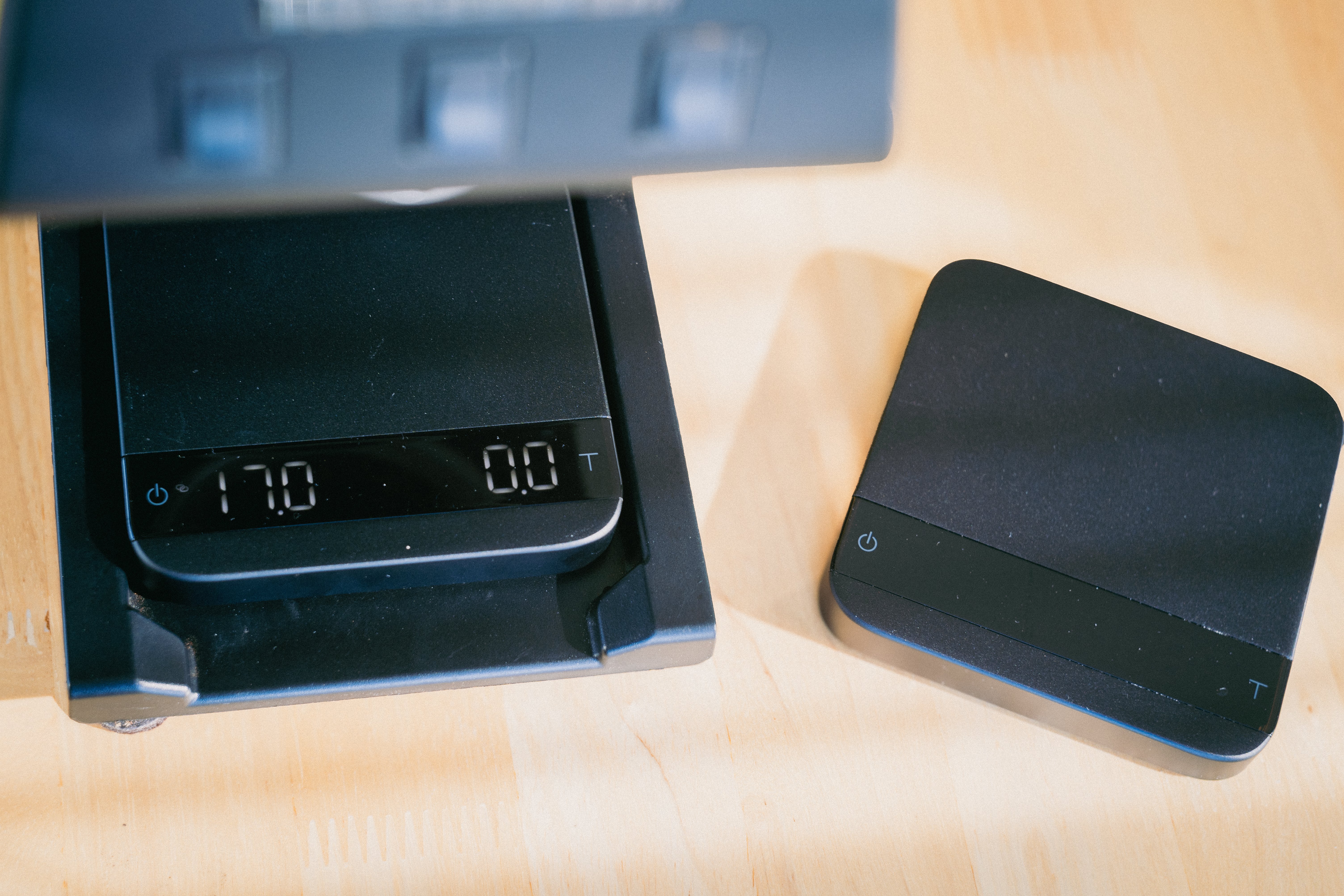
Many home setups use two scales—one on the drip tray for brew-by-weight, one under the grinder for grind-by-weight. The upgrade and training process is the same, with one important constraint:
Only one scale can be powered on at the time of training.
Here is the full procedure for a two-scale setup:
(1) Add both scales to your Coffee Station in the La Marzocco app. Once added, you can assign each scale to its corresponding equipment during setup.
For better organization, you can also create separate Coffee Stations for each workflow. For example, one station for the Pico + scale for grind-by-weight, and another for the Linea Mini + scale for brew-by-weight.
(2) The app will detect both Acaia scales and prompt license purchases for each.
(3) Complete both purchases via the Acaia app (email, serial number, payment for each scale).
(4) Within the Acaia app, firmware installs automatically on both scales, enabling Connected Scale features. Note: this can take some time.
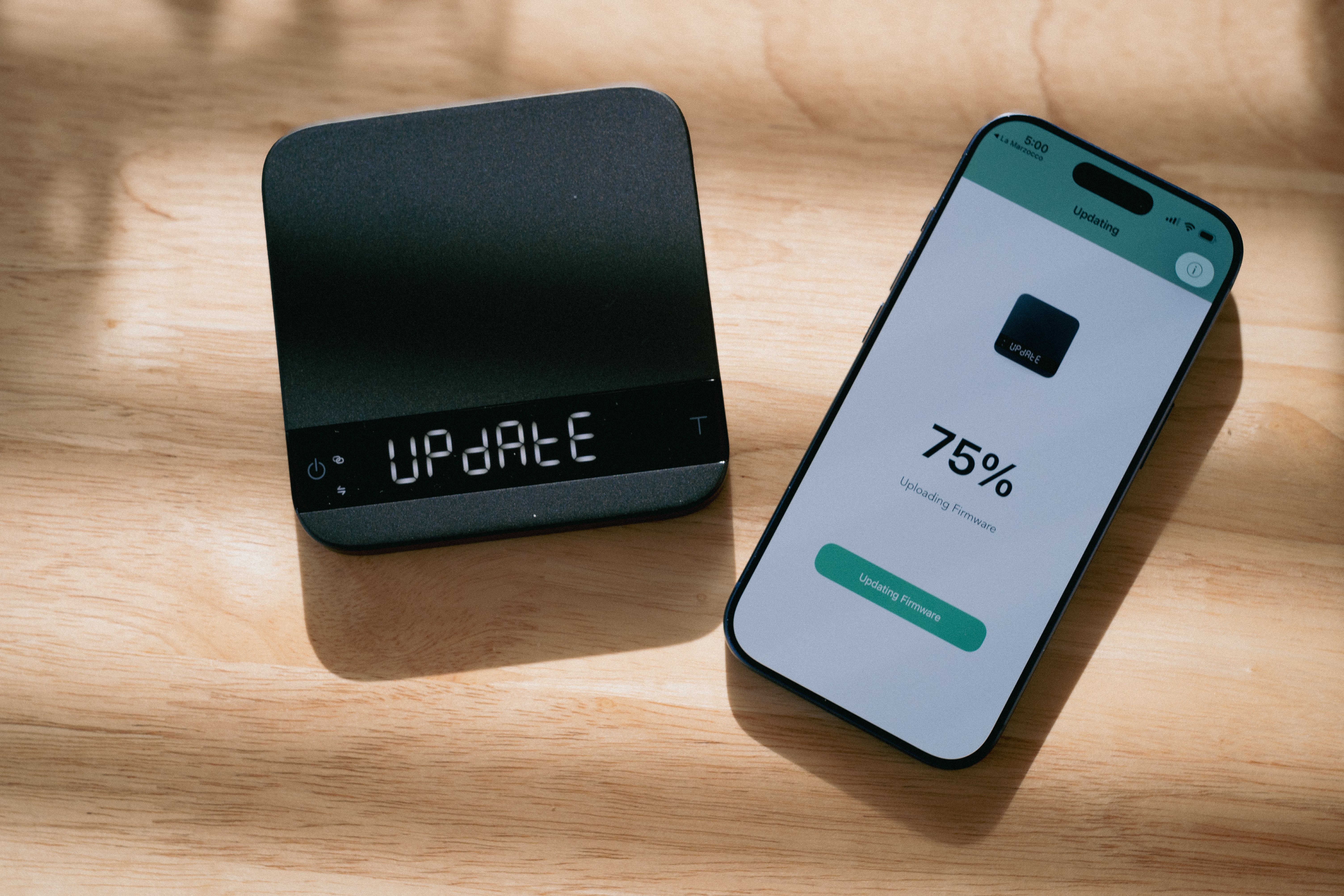
(5) Turn off one scale. With only one scale powered on, return to the La Marzocco app. Navigate to your coffee station and the corresponding equipment. Train the powered-on scale for its function.
(6) Turn off the newly trained scale.
(7) Power on the second (untrained) scale. Navigate to your coffee station and the corresponding equipment. Train this scale for its function.
(8) Once both scales are trained, power both on. They will work simultaneously.
support
Support responsibilities are split between La Marzocco and Acaia:
Scale hardware, firmware, or upgrade issues: contact Acaia directly.
La Marzocco app, machine integration, or equipment issues: contact La Marzocco.
The upgrade is available beginning March 23, 2026 for compatible Acaia Lunar scales (USB-C, serial AL008XXXXXXXX or newer). The license is €100* (*may vary slightly by region).