A Comprehensive Guide to the GS3 MP
Launched in 2007, the GS3 set the standard for compact commercial machines. The Manual Paddle version followed soon after, adding its unique flare to the machine by offering full control for hands-on baristas.
———
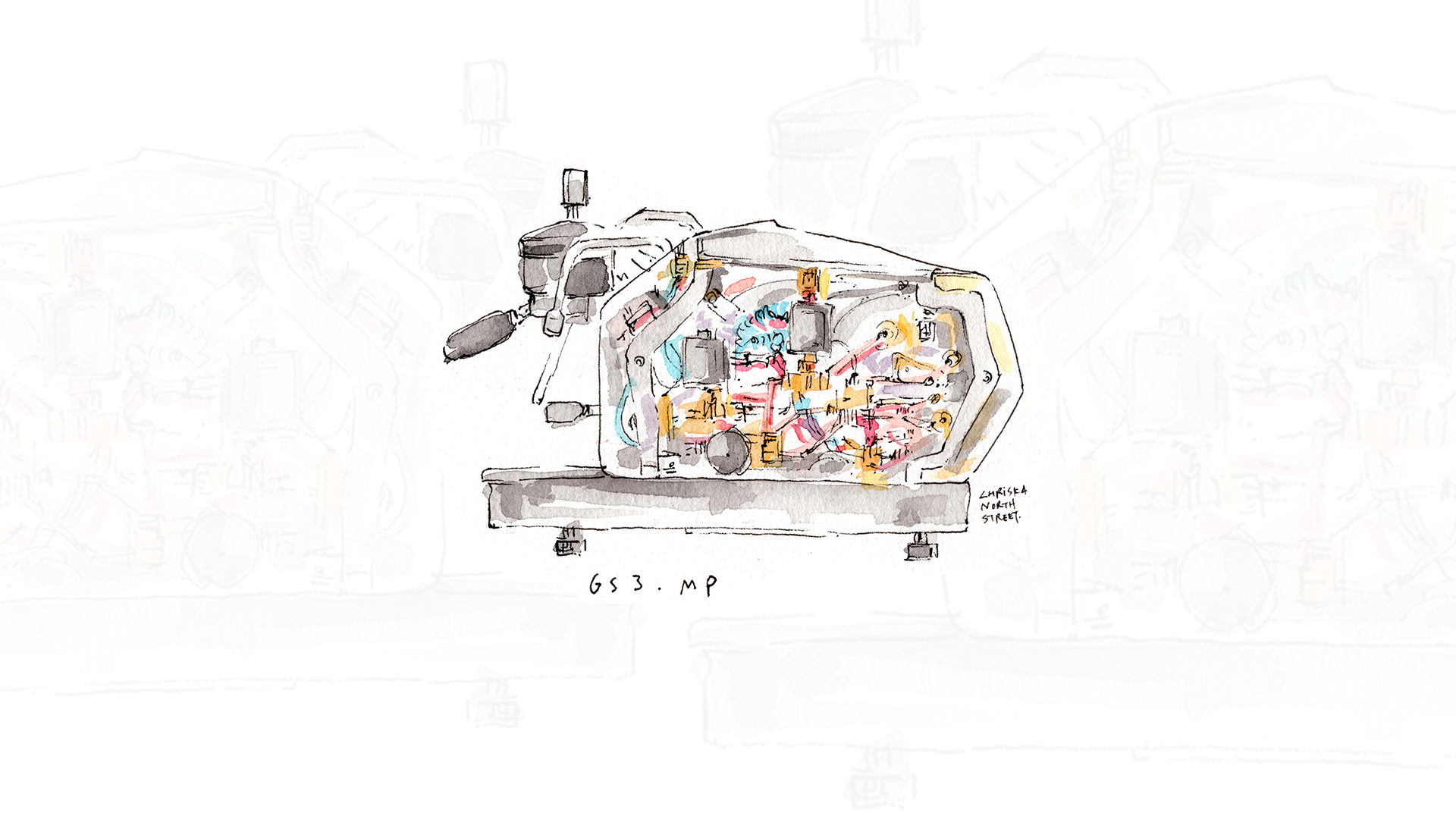
The GS3 MP (Manual Paddle) is designed for those who want to have their personal touch in every part of the espresso brewing process, and especially when it comes to the pressure. Inspired by our historical GS and GS2 commercial machines from the ’70s, the GS3 MP brings to life that vintage character. The machine’s gauges, knobs, large steam wand, and signature paddle aren’t just functional, they’re part of the design and proudly on display.
The GS3 MP may be compact in size, but it delivers full-scale performance. It’s a favorite among experimental home baristas, espresso history enthusiasts, and even roasters looking for a reliable production test machine. It features a 1.5L saturated coffee boiler, the same one found in our commercial machines, paired with a powerful 3.5L steam boiler. Of all the models in the La Marzocco Home lineup, the GS3 MP offers the most hands-on, tactile, and personal espresso experience.
Interacting with the GS3 MP
The manual nature of this machine is one of the things we love most about it.
The GS3 MP gives you complete, manual control over pressure throughout the entire shot. With its mechanical paddle, you can move fluidly from 0 to 9 bars of pressure (and back down again) at any pace you choose. This is manual pressure profiling, letting you ramp up slowly, hold at mid-pressure, or taper off at the end of a shot. It’s not just pre-infusion to max pressure, it’s everything in between, giving you the ability to shape your espresso with intention, second by second.
Manometer: A dedicated brew gauge (called the manometer) shows the pressure you’re applying. The paddle is mechanically linked to the conical valve, so you’re physically connected to the machine while the shot is pulling. The pressure is controlled by diverting some of the water and pressure away from the grouphead and into the drip tray.
Keypad: All lights on the keypad will illuminate once the machine is hot and ready to brew. The display shows the current brew boiler temperature, date, shot timer and machine name. As the machine heats up, you’ll see the digital read out of the temperature rise to your target setpoint. When the internal reservoir is low, the display shows a “Fill Tank” message, alerting you to add water.
The GS3 MP features a dedicated hot water tap, activated by the Hot Water Button on the keypad all the way to the right. Water temperature can be adjusted using the built-in mix valve located under the right side panel. On the left, the GS3 MP has a steam valve lever offering variable steam control or the ability for it to be locked into the open position for continuous steaming. Milk steaming is smooth, powerful, and consistent. Thanks to the large steam boiler and full-size wand, the GS3 MP can handle back-to-back drinks with ease, producing creamy, textured milk in just 6–8 seconds.
App Features & Programming: GS3 MP
The GS3 MP can be connected to the La Marzocco Home App, but it also offers a range of features via the built in keypad:
Custom Schedule (via App): Through the La Marzocco Home App, you can set your GS3 MP to turn on and off automatically each day. If you plan to be away or won’t use the machine for 36+ hours, it’s best to turn it off and unplug it. Otherwise, keep it on a regular schedule to minimize the wait time while it heats up.
Brew Temperature Control (via App): While shot pressure and flow are controlled manually with the paddle, the brew temperature is fully adjustable via the app. The default brew temperature is 93°C (200°F), but it can be dialed up or down depending on the coffee you’re using or your desired flavor profile.
MP Keypad Programming Features
In addition to app control, the GS3 MP includes a keypad on the front panel, giving you direct access to key settings and system functions.
“On” Programming Level (Machine Powered On)
While the machine is powered on, press and hold the FN (Continuous Flow) button for about 10 seconds to enter this programming mode:
Steam Boiler Temp: Adjust steam boiler temperature
Tea Setting Select: Set the desired volume of water dispensed from the hot water tap
Clock Adjust: Set current time and date.
Coffee Boiler Temp: Adjust brew boiler temperature
“Off” Programming Level (Standby Mode)
To access additional system settings, press FN + Power to enter standby mode. Then press and hold the FN button for ~10 seconds to open the menu:
Drain Steam Boiler: Manual drain cycle for the steam boiler
Language: Change display language
Machine Name: Customize your GS3’s display name
Half Heating Mode: Enable energy-saving mode (reduces steam recovery speed)
Water Tank Present: Set for plumb-in or reservoir operation
Tea Water with Pump: Select based on plumbing configuration
Probe Sensitivity: Adjust based on your water hardness level
Service Cycles: Check or reset service reminders
Temperature Unit: Toggle between °F and °C
PID Settings: Fine-tune boiler control
Coffee Temperature Offset: Adjust displayed brew temp
GS3 MP & GS3 AV : Side by Side
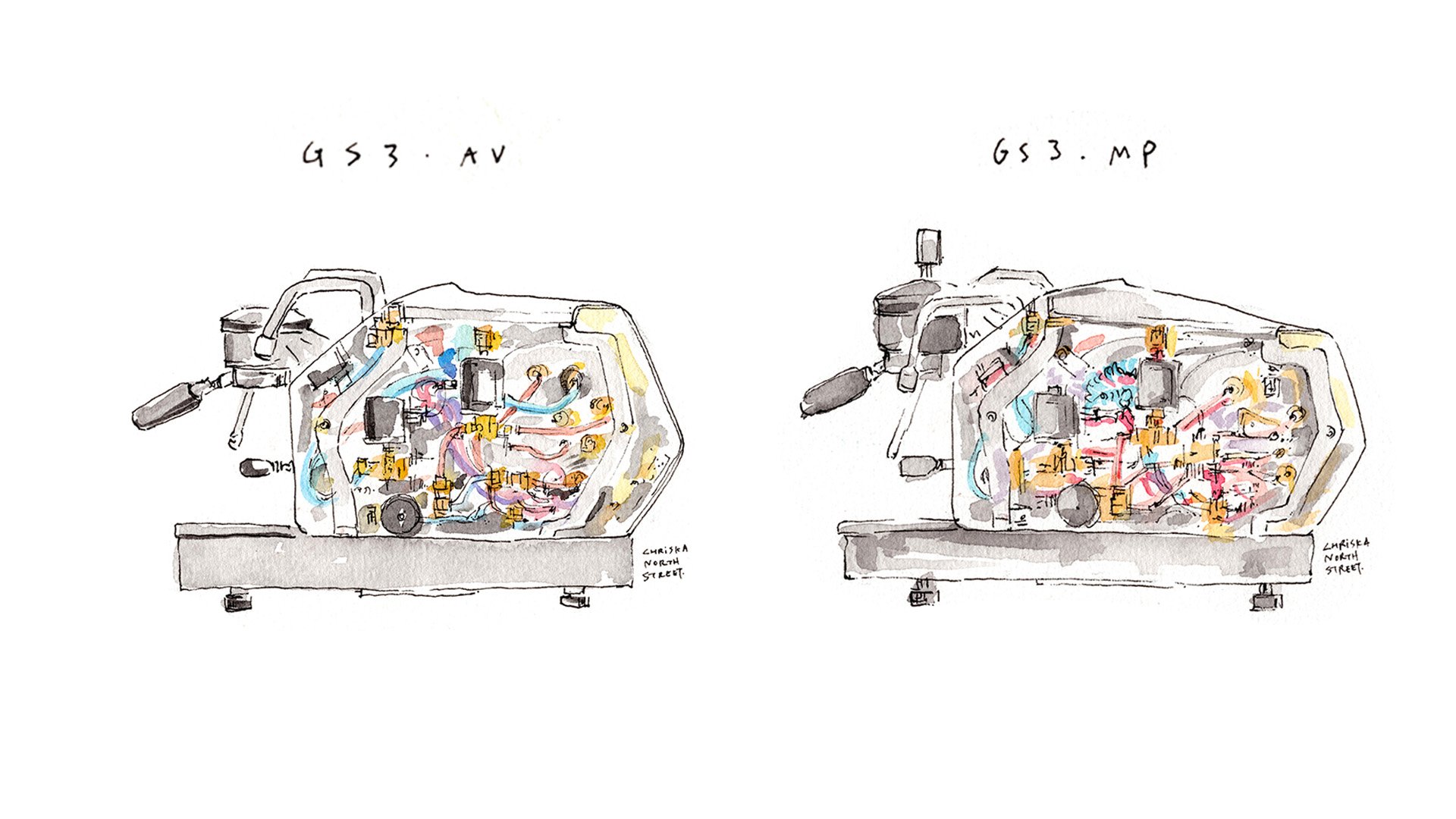
Trying to choose between the GS3 MP and the GS3 AV (Auto-Volumetric)? It really comes down to how you like to make espresso and how much control you want in your workflow.
If you love the art of espresso and look forward to controlling each shot by hand, then the GS3 MP is a perfect match. It offers a tactile, expressive experience that’s ideal for experimenting with different coffees or simply taking your time with each brew.
If you prefer repeatable results with minimal variation, the GS3 AV may be your better match. With programmable dosing, you can save up to four different espresso settings and select them with a single button press. It’s a great fit for small cafés, restaurants, or roasteries.
Both machines share the same boilers, the same footprint, and the same saturated grouphead found in our commercial equipment. The difference is all in how you interact with them.
Heat-Up Time
GS3 MP & GS3 AV: 30 minutes for full brewing and steaming temp
Footprint
GS3 MP & GS3 AV: H 16″ x W 14.2″ x D 21.3″
Water Capacity / Reservoir
GS3 AV & MP: 2.0 liters internal reservoir; plumb-in kit included
Steam Boiler Capacity
GS3 AV & MP: 3.5 liters
Power / Voltage / Weight
GS3 AV & MP: 120 V / 20-amp circuit required / ~72 lbs operating weight
In short, the GS3 MP is manual, expressive, and built for the espresso enthusiast who enjoys being part of every step in the process. The GS3 AV, by contrast, is streamlined, consistent, and made for efficiency and ease. No matter which path you take, the GS3 brings unmatched power and professional performance into your space, crafted to meet the highest expectations of home baristas and small cafés alike.